
How to use this schematic generator
This page is a real walkthrough of the live generator: we set Farm + Oak (an oak farmhouse), compiled it, captured the preview and material list, and documented the paywall and the Litematica import steps from this site's own load guide. Java Edition only.
What the tool does
- Compiles one of 13 shape kernels with a block palette and W×H×D into a voxel grid.
- Shows an isometric preview and a survival material list (stacks, not a raw dump).
- Downloads
.litematic(Litematica v6, data version 4189 / Java 1.21.4-era) plus.schem(Sponge v2) and a materials CSV when quota allows.
Supported builds, formats, limits
- Build types: house, tower, castle, nether portal, wall, bridge, pyramid, dome, arch, farm, fountain, arena (circle), platform.
- Palettes: oak, spruce, birch, dark oak, mangrove, cherry, bamboo, stone brick, deepslate, nether brick, prismarine, sandstone, quartz (and related woods in the compiler).
- Outputs:
.litematic,.schem, materials CSV. Not Bedrock.mcstructure. - Size: free max 20 on a side; Pro max 48. Prompt length capped at 500 characters server-side.
- Quota: 1 free build/day · $4.99 for 10 downloads · $19.99 Pro. Shared-IP free ceiling exists so one network cannot burn unlimited free builds across browser ids.
Steps with screenshots
- Open the workbench. Home page → schematic spec (Build, Blocks, Width / Height / Depth).
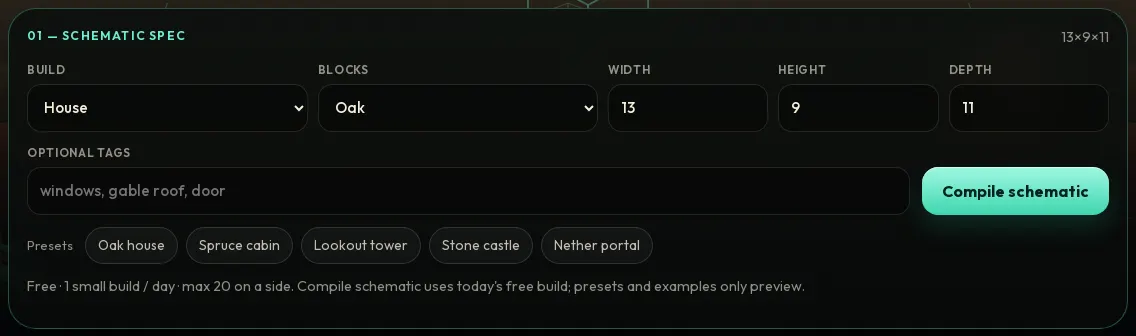
Step 1 — generator workbench (desktop). 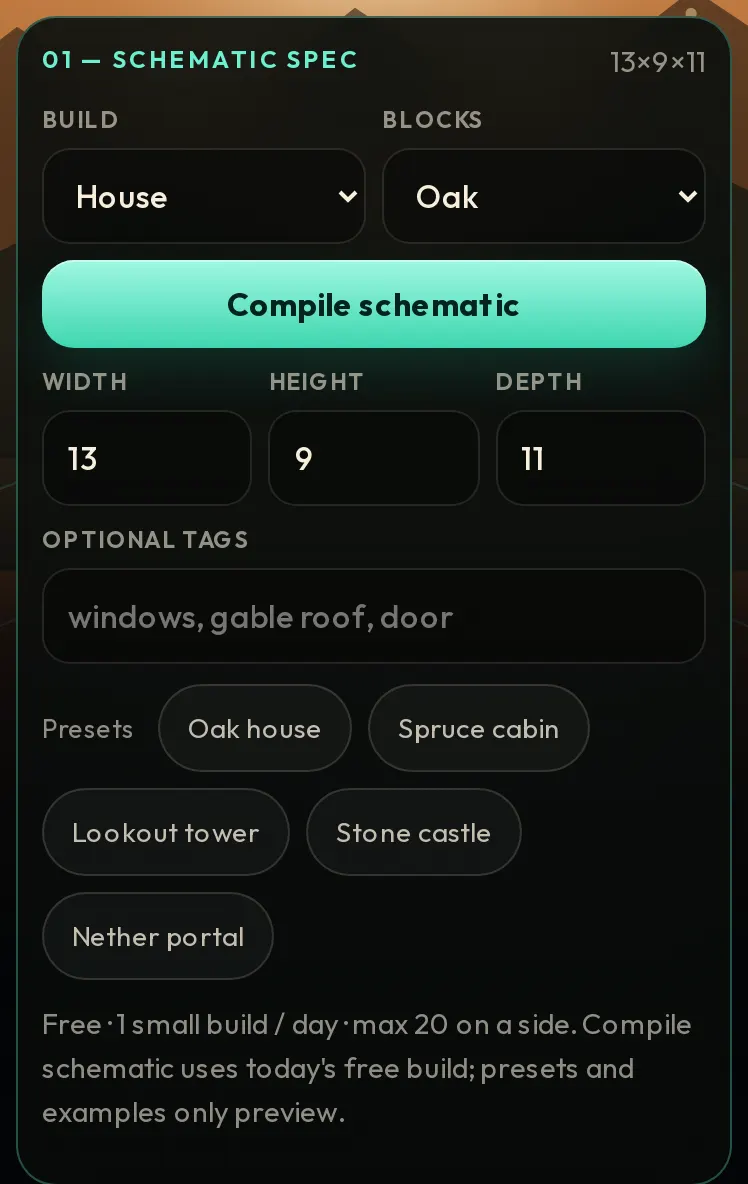
Same workbench on a 390px phone viewport. - Set Farm + Oak (oak farmhouse). Build = Farm, Blocks = Oak, size 15×7×13 (within the free 20-cap). Optional tags can say “oak farmhouse”; the compiler maps farm → farmhouse.
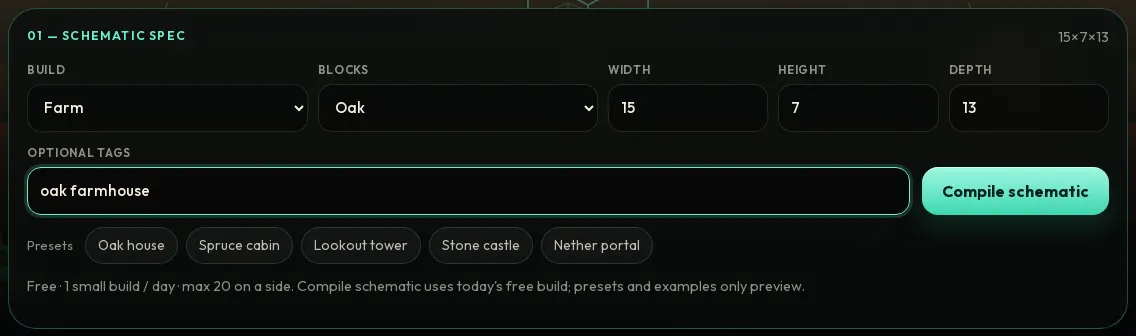
Step 2 — Farm + Oak, 15×7×13. - Compile schematic. The stage shows the hologram preview and the gather-blocks list (oak fence, farmland, oak planks, water, door, …). If today's free build is already used, the preview stays and download is locked behind the paywall — that is expected.
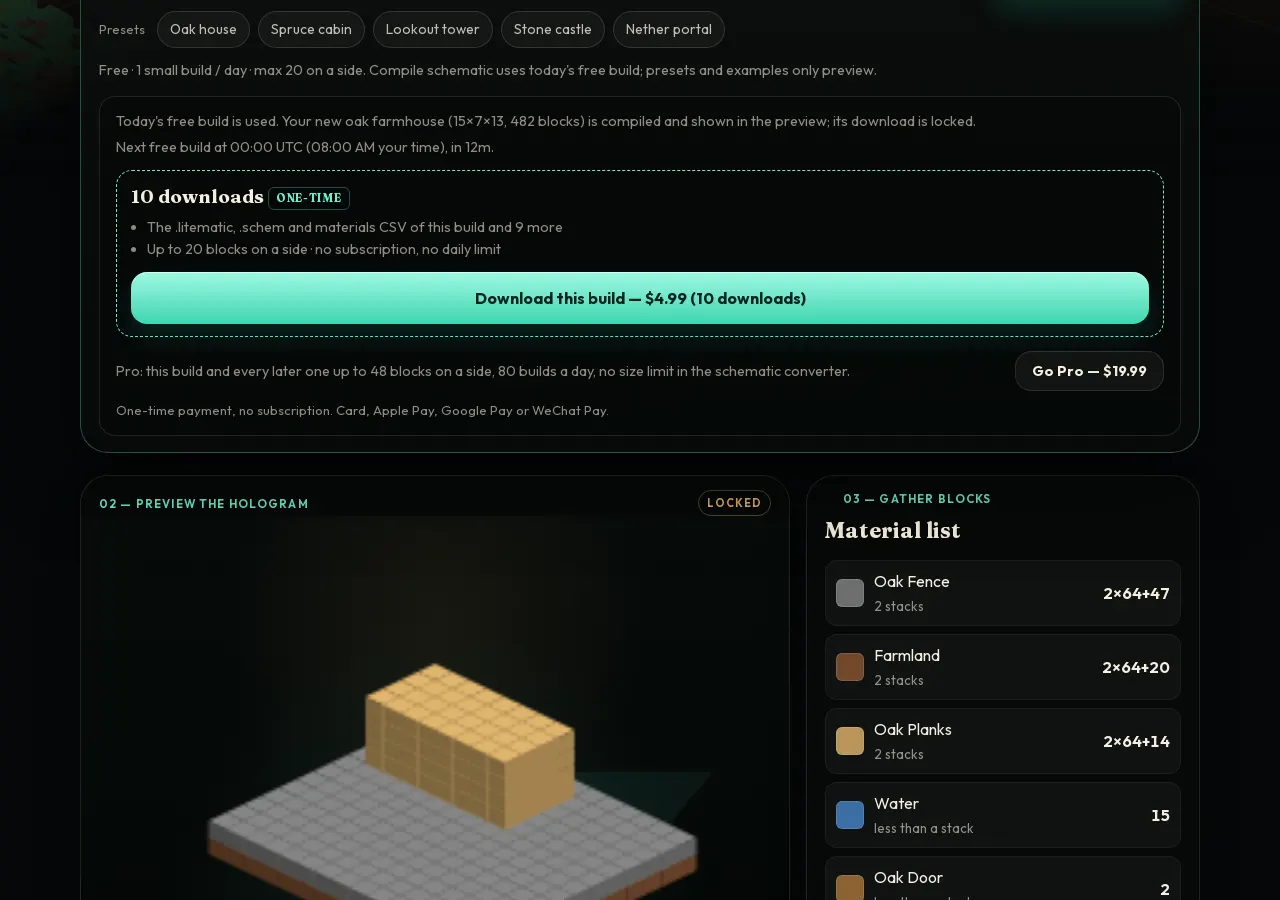
Step 3 — live compile of oak farmhouse (15×7×13, hundreds of blocks) with material list. When free quota is spent, download shows $4.99 pack / $19.99 Pro (screenshot only; do not pay to follow this guide). - Download .litematic when unlocked. Prefer the Litematica button for survival holograms. Use .schem only if you will paste with WorldEdit / FAWE. Compare formats on litematic vs schem.
- Load in Litematica. Put the file in the instance
schematicsfolder, open a world, press M, then Load Schematics, create a placement. Do not drop the file on the game window. Full OS paths are on the import guide.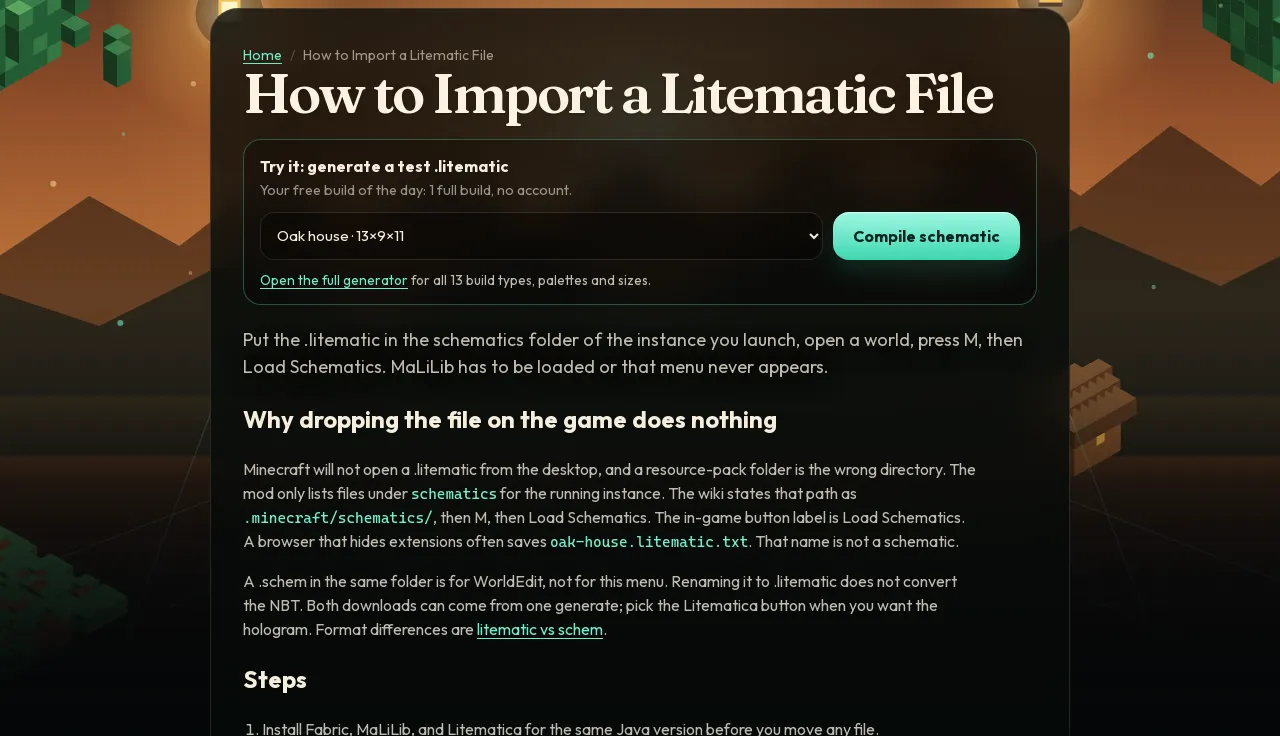
Step 5 — import steps from how to load a litematic.
Pricing (as shown on the site)
1 free build/day · $4.99 for 10 downloads · $19.99 Pro. One-time payments; card / Apple Pay / Google Pay / WeChat Pay on checkout. Restore is not required for free builds.
Troubleshooting
- Describe the build in a few words. — prompt under 3 characters (HTTP 400).
- Free limit is 1 build per day… / Your download pack is used up. — HTTP 402
quota; wait until 00:00 UTC or unlock pack/Pro. - Free builds on this network are used up for today… — HTTP 402
quotawith reasonshared_ip_cap: everyone on the same Wi-Fi or IP shares a small daily pool of free builds, so a browser that has not built anything can still hit it. The preview still shows; wait until 00:00 UTC or unlock pack/Pro. - Load Schematics empty — wrong instance folder, or file named
.litematic.txt. See schematic not showing. - MaLiLib missing — menu never appears. See MaLiLib missing.
- Prompt became a tower — the compiler matches shape keywords in order; “house with a tower” can select tower. See prompt tips.
Related pages
- Minecraft farm schematic
- Import a .litematic
- Prompt tips
- Free schematic generator
- Text to litematic
- Size limits
FAQ
Is this an AI chat that invents any build I describe?
No. It is a geometric compiler with 13 fixed build types (house, tower, castle, portal, wall, bridge, pyramid, dome, arch, farm, fountain, circle/arena, platform). Extra words do not add rooms or redstone. See prompt tips.
What are the free and paid limits?
Free: 1 build per UTC day, max 20 blocks on a side. Download pack: $4.99 once for 10 downloads at the free size. Pro: $19.99 once for builds up to 48 on a side and 80 builds a day. 1 free build/day · $4.99 for 10 downloads · $19.99 Pro. No subscription.
Which file should I download?
.litematic for Litematica holograms and the in-mod material list. .schem (Sponge v2) for WorldEdit / FAWE paste. This site does not emit Bedrock .mcstructure or old MCEdit .schematic.
Why is download locked after Compile?
Free quota is one full build per UTC day (shared-IP caps can also apply). The preview and material list still show; Download this build unlocks with the $4.99 pack or Pro. Presets and examples only preview and do not spend the free build.
How do I load the .litematic in Litematica?
Save it into the schematics folder of the instance you launch (not Downloads with a .txt extension). Open a world, press M, Load Schematics, select the file, create a placement. Full paths are on the import guide. Open the load guide.
What error do I get if the prompt is too short?
The API returns 400 with “Describe the build in a few words.” when the trimmed prompt is under 3 characters. Quota blocks return 402 with code “quota”.
Questions: hello@minecraftschematicgenerator.com
Reviewed 2026-10-06. Not affiliated with Mojang or Microsoft.